Software download
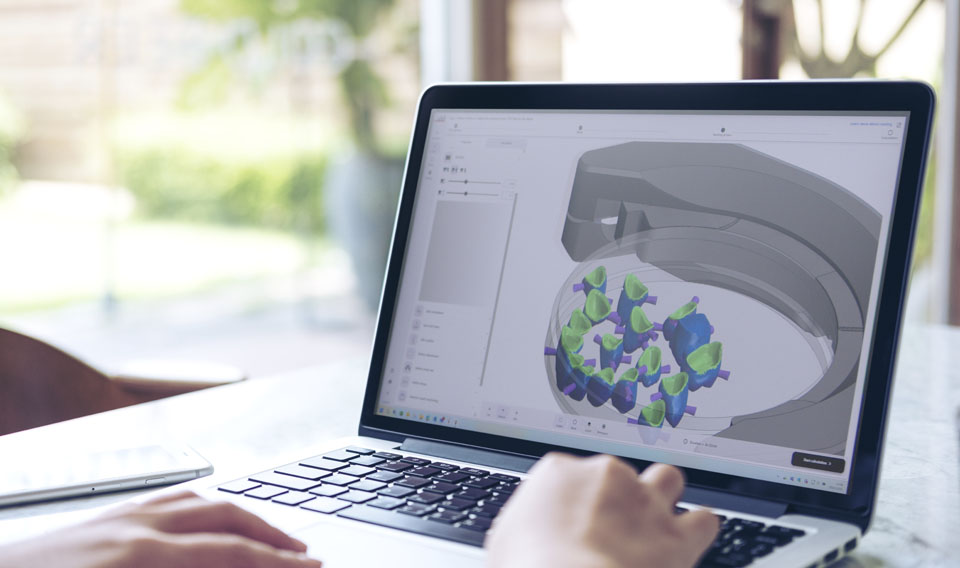
Download the latest versions of our software.
How to get your upgrade
Switching to vhf digital solutions is very simple:
1. Download the software
Download the latest version of dentalcam and dentalcnc and install the software according to the installation instructions.
2. Activate the license
- Machines manufactured in 2025 or later
For these machines, the upgrade license is already stored on our servers, allowing you to switch to vhf digital solutions immediately at no additional cost. You can find step-by-step instructions here: Setting up machines in dentalcnc
If your 2025 or newer machine does not activate automatically, please contact our Technical Support team. - Machines manufactured in 2024 or earlier
You can explore the new features and familiarize yourself with vhf digital solutions before purchasing a license. dentalcam runs automatically in demo mode if no license is registered.
To use vhf digital solutions in production, you can purchase the required license for older machines through your vhf authorized dealer. Once the license has been activated, follow the setup instructions here: Setting up machines in dentalcnc
3. Get started
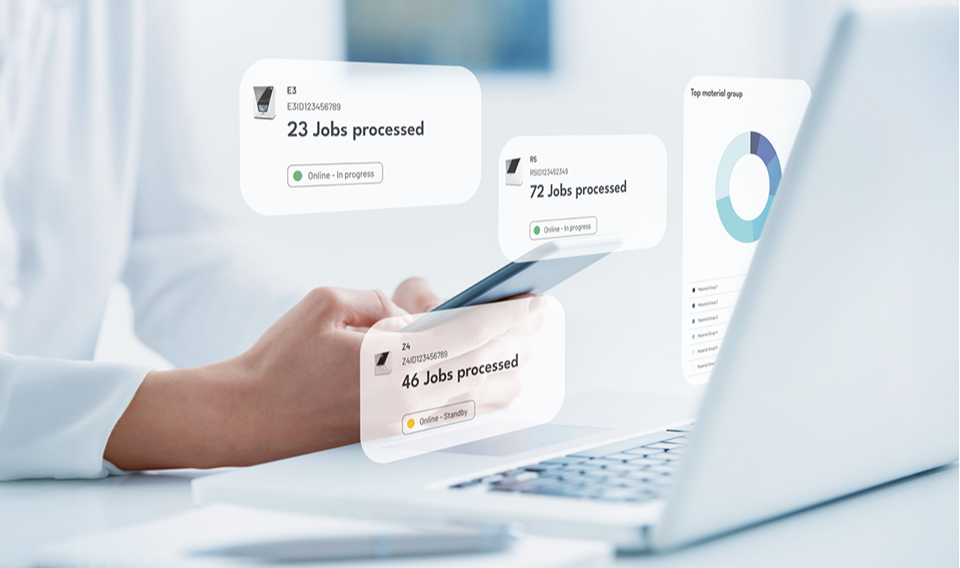
Once activated, you’ll immediately benefit from the advantages of the latest software generation, including dentalcam 9, dentalcnc 9 and myvhf.